How to Open a Personal Account
Registration is free. Simple steps online.
What You Need to Prepare
To open an Opera Wallet, KYC (identity verification) is required. Please prepare your identity verification documents in advance before proceeding with the account opening.
Submission of Identity Verification
At Opera, in order to protect your valuable assets, we strictly enforce identity verification, which will be conducted online.
Quick Completion with eKYC
For personal accounts, identity documents and a selfie are submitted through the online identity verification (eKYC) tool. The verification process is usually completed in about 60 seconds after submission.
Identity Verification Documents (with photo)
For identity verification (eKYC), please take a photo of one of the following identification documents and submit it according to the on-screen instructions.
Steps to Open a Wallet
Account Registration
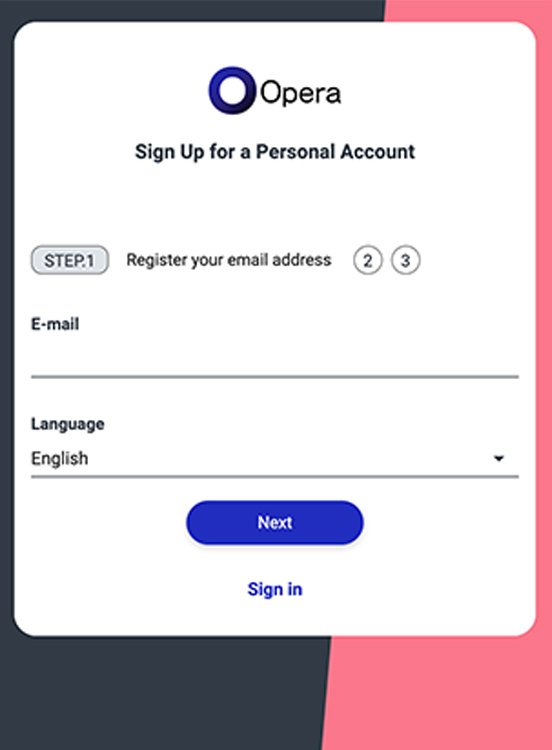
Enter your email address in the new registration form
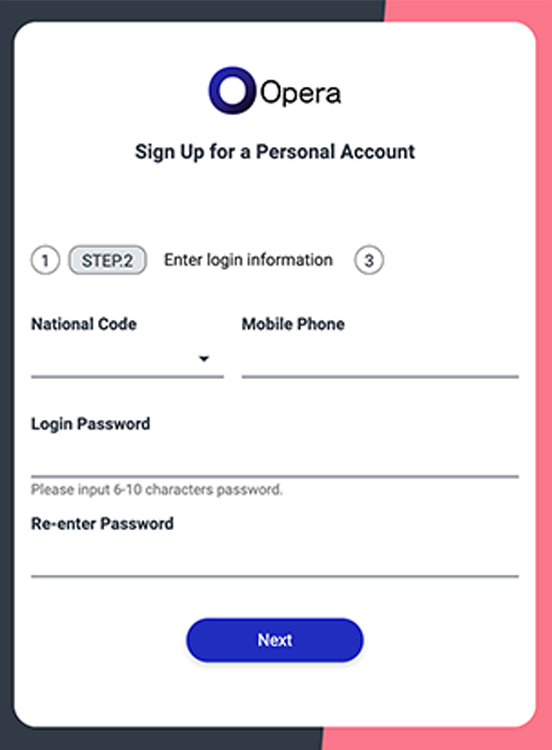
Open the link URL in the confirmation email you received, then enter your login information and name
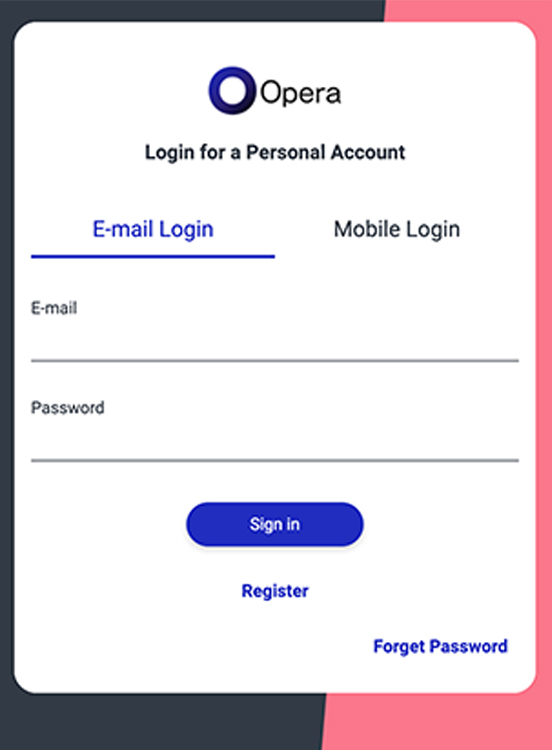
Log in to the wallet in the client area
Identity Verification (eKYC) Steps
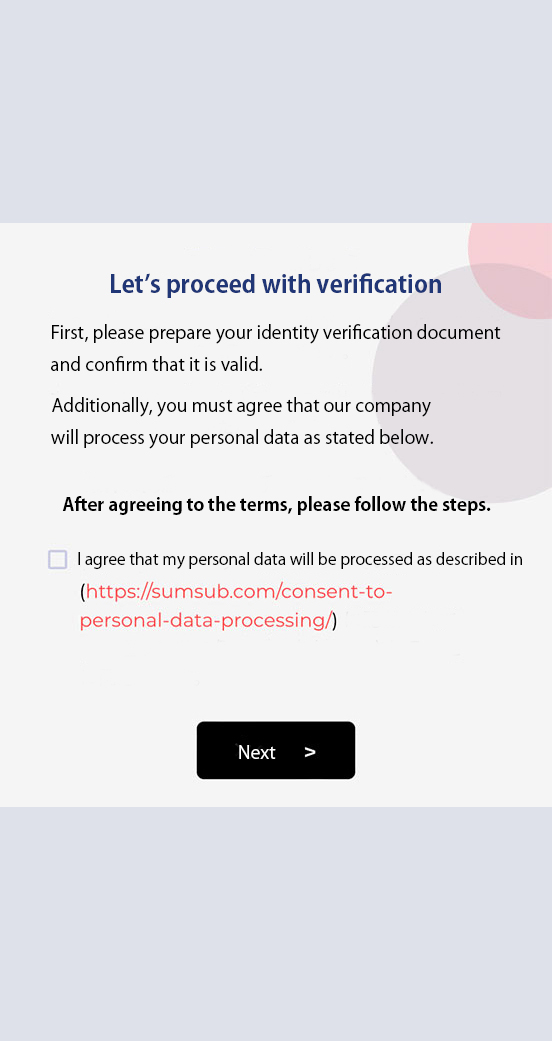
From 'Perform Identity Verification', move to the eKYC screen and agree to personal data processing.
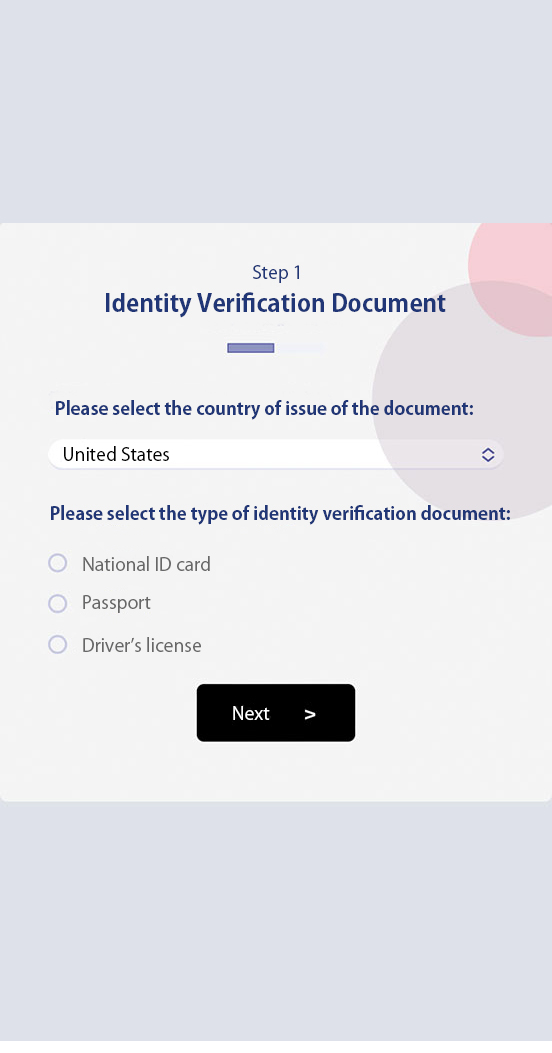
Select the issuing country and type of identity document.
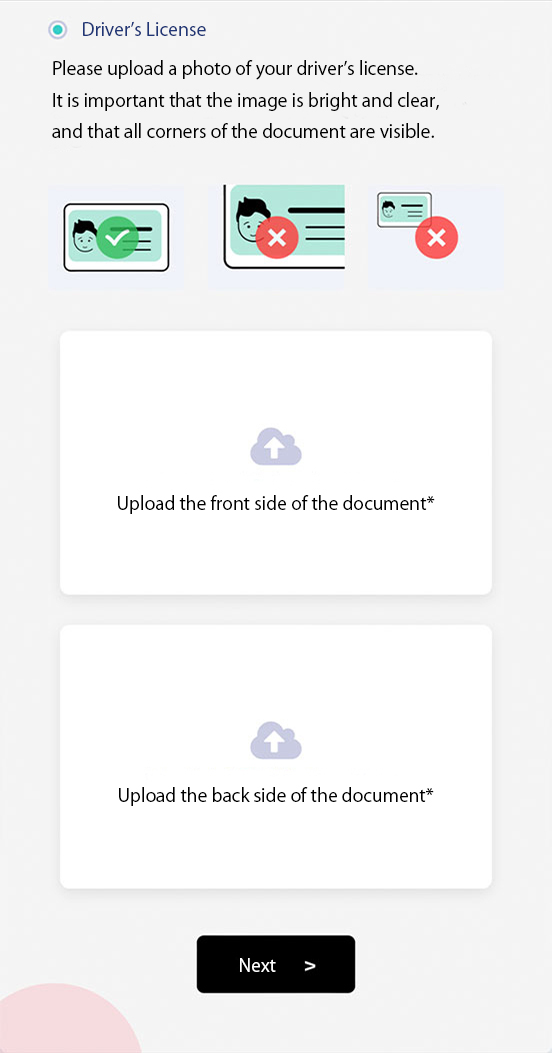
Upload the identity verification document.
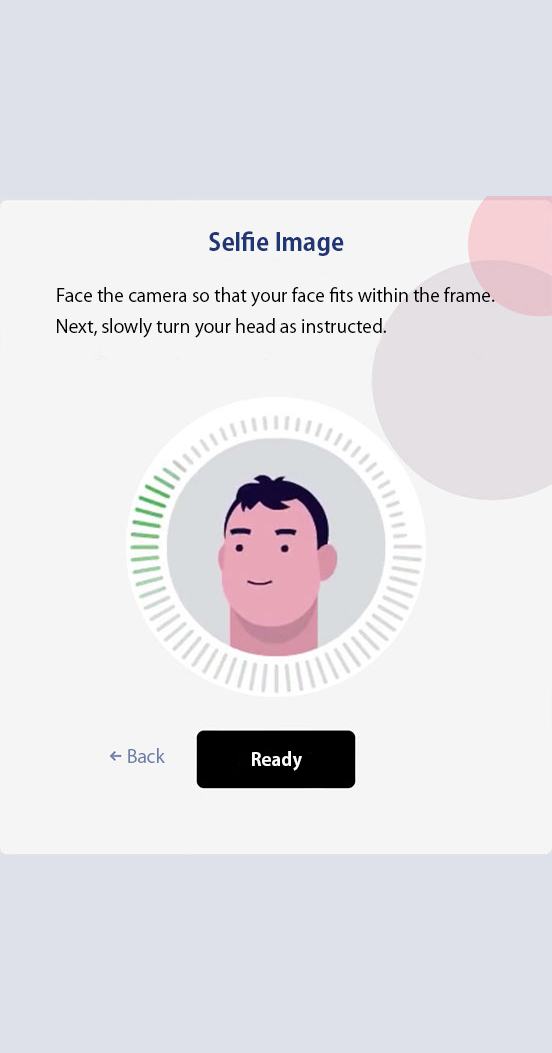
Take a selfie with your camera and scan.
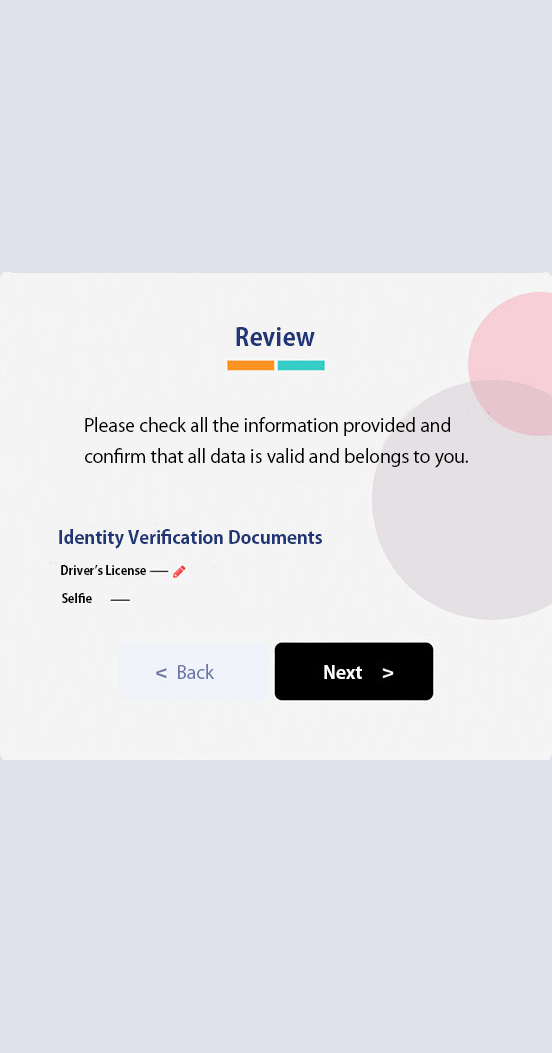
Review the information and then the review process will begin.
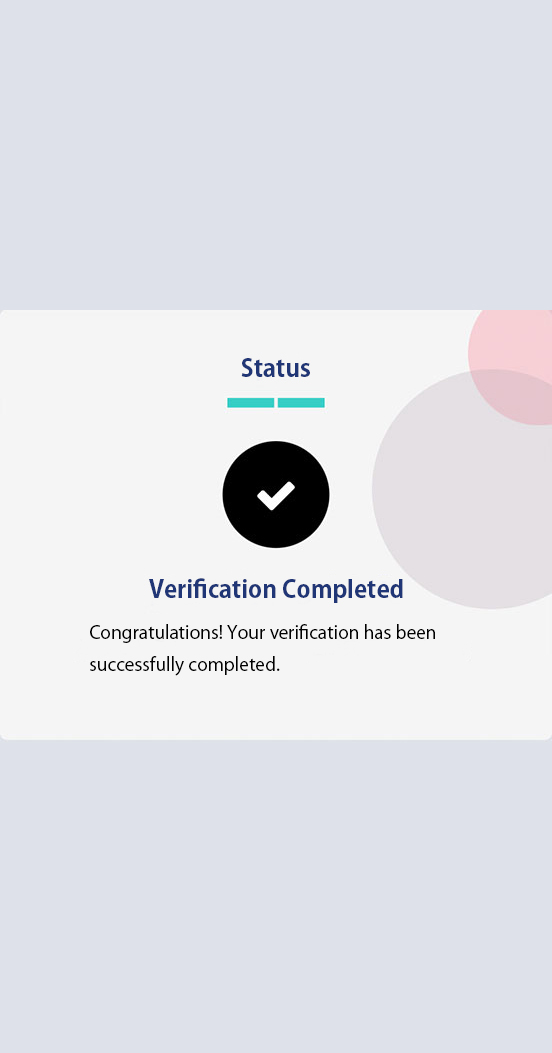
Verification will be completed in about 1-3 minutes, and your identity verification status will become 'Approved'.